Is Boosting Safe? Self-Play vs Account Sharing
By Rush Boost team, Rush Boost team. Written by the people who run Player Protection on rushboost.org. · 11 Oct 2026 · 4 min read · Rush Boost
The honest version: what the game rules say, where the real risk is, and why Self-Play and Account Sharing are very different things.
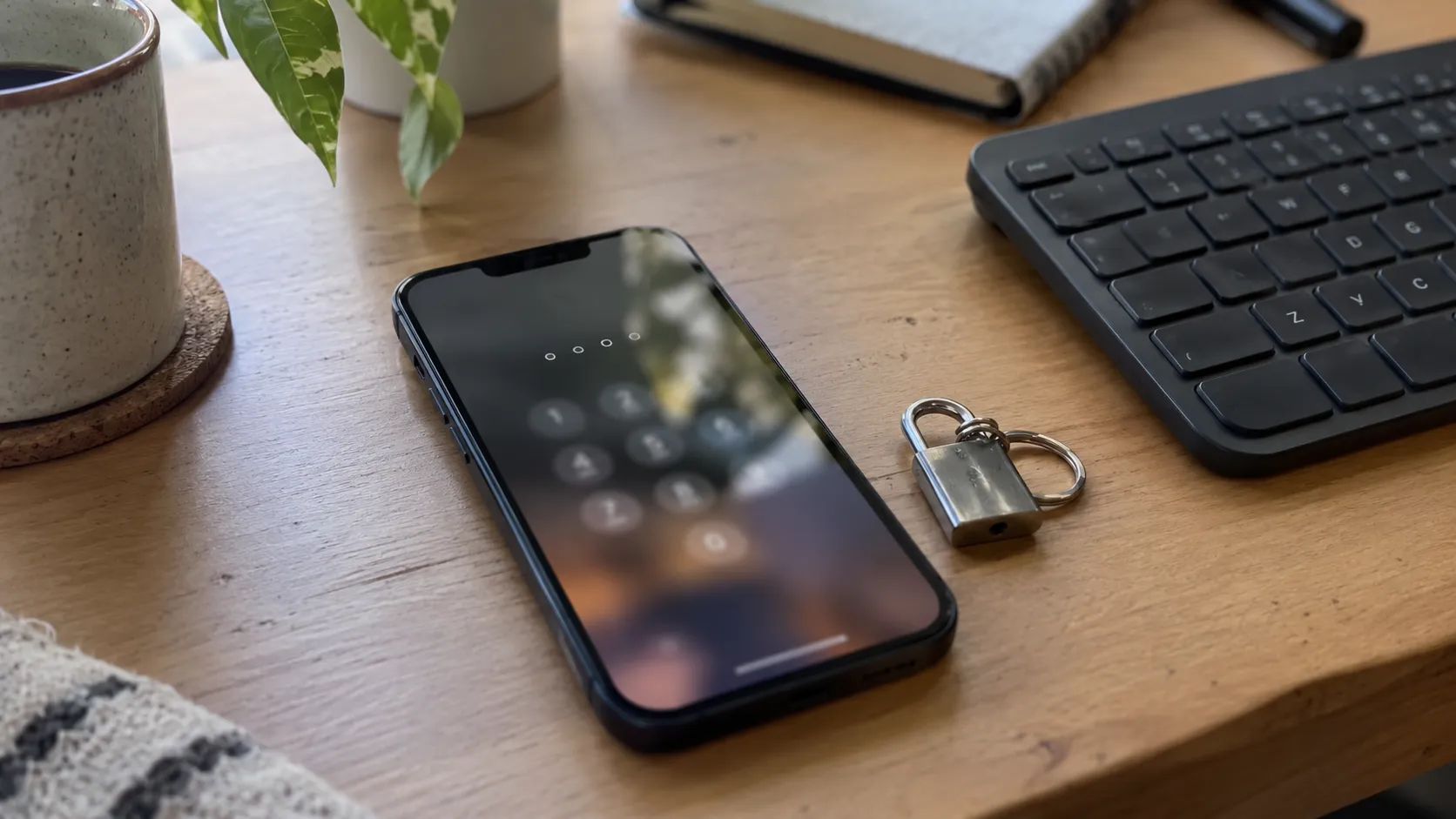
Is boosting safe? It depends far more on how it is done than on whether it is done. Playing alongside a booster on your own account is a very different risk from handing someone your password. This post explains the difference honestly, including the parts a boosting site would rather not say out loud.
Is boosting safe under the game rules?
Both Blizzard and Valve treat your account as yours alone. Their terms don’t allow sharing an account, and they don’t allow trading game services for real money. Blizzard has also acted against boosting communities that advertise inside the game. Valve is the most explicit: in December 2023 it listed a game ban for “accounts shared with other users or services”. We won’t pretend otherwise.
What that means in practice: there is always some risk, and it is largest when another person logs into your account from somewhere else. Everything else in this post is about keeping that risk as small as it can be.
Self-Play: you stay on your own account
With Self-Play, you log in as usual and play with your booster in the same group. Nobody else touches your account. For World of Warcraft that covers most raids, Mythic+ and many achievements. For Dota 2 it means duo queue with your booster.
- No login is shared, so nothing about your account changes.
- You learn the content while you play.
- You need to be online at agreed times, which makes it slower to schedule.
Account Sharing: a booster plays your character
With Account Sharing (also called piloted), a booster plays on your account while you are away. It is the fastest option for things like leveling or rating, and it is the option with real risk: a login from another place is exactly what security systems watch for.
How we handle your login
- You type it once, on a secure form on your order page. Never in chat, never by email.
- It goes straight into an encrypted vault. The order only keeps a pointer to it.
- Your booster’s Rush Boost app types it into Battle.net or Steam. No person reads it: not the booster, not support, not staff.
- Every time the app fetches it, that is written to an audit log (the event, not the login).
- One click on Revoke access signs the booster out. The login is deleted when the order finishes, when you confirm, if it is cancelled, if a dispute pauses it, if a new booster is assigned, or when you revoke.
| Self-Play | Account Sharing | |
|---|---|---|
| Who logs in | Only you | Your booster, through our app |
| Login shared | No | Yes, stored encrypted and deleted after |
| Speed | Depends on your schedule | Fastest |
| Risk level | Lowest | Higher: another login on your account |
| Best for | Raids, keys, duo queue | Leveling, rating, long grinds |
What you can do to stay safe, whoever you buy from
- Never send a password in chat, Discord or email. A seller who asks for that is a red flag.
- Keep an authenticator on your account and change your password after an Account Sharing order ends.
- Prefer Self-Play when the service offers it.
- Be wary of prices far below everyone else’s. Cheap boosts often mean shared accounts, bots or worse.
- Check that you can follow the progress yourself. On Rush Boost every match, kill and update is logged in your order room.
If something goes wrong
Support answers around the clock from inside your order, and our money-back guarantee covers orders that don’t go as promised. The refund policy explains what happens at each stage. For the full picture of how logins are protected, see Player Protection.
How Player Protection works — The vault, the app sign-in, revoke and delete, in a short video.
Ready to pick a service? Start with World of Warcraft or Dota 2. Each page shows which methods it supports before you pay.
Questions
Questions
Can I get banned for boosting?
There is always some risk, because the game rules don’t allow account sharing or real-money trading. Self-Play keeps that risk lowest. We won’t promise zero risk, because nobody honestly can.
Will my booster see my password?
No. The Rush Boost app signs your booster in without showing the password, and it is deleted when the order ends.
Should I change my password after an order?
Yes. It is the simplest way to close everything off, even though we delete the stored login.